



What's New: Registry Filters, Order Details, and a Cleaner Interface
A roundup of what we shipped recently and the reasoning behind each change. Slice your registry by vendor, clonality, and more; see the full story behind an order in one click; and work in a calmer, faster interface.
AbTrove Team
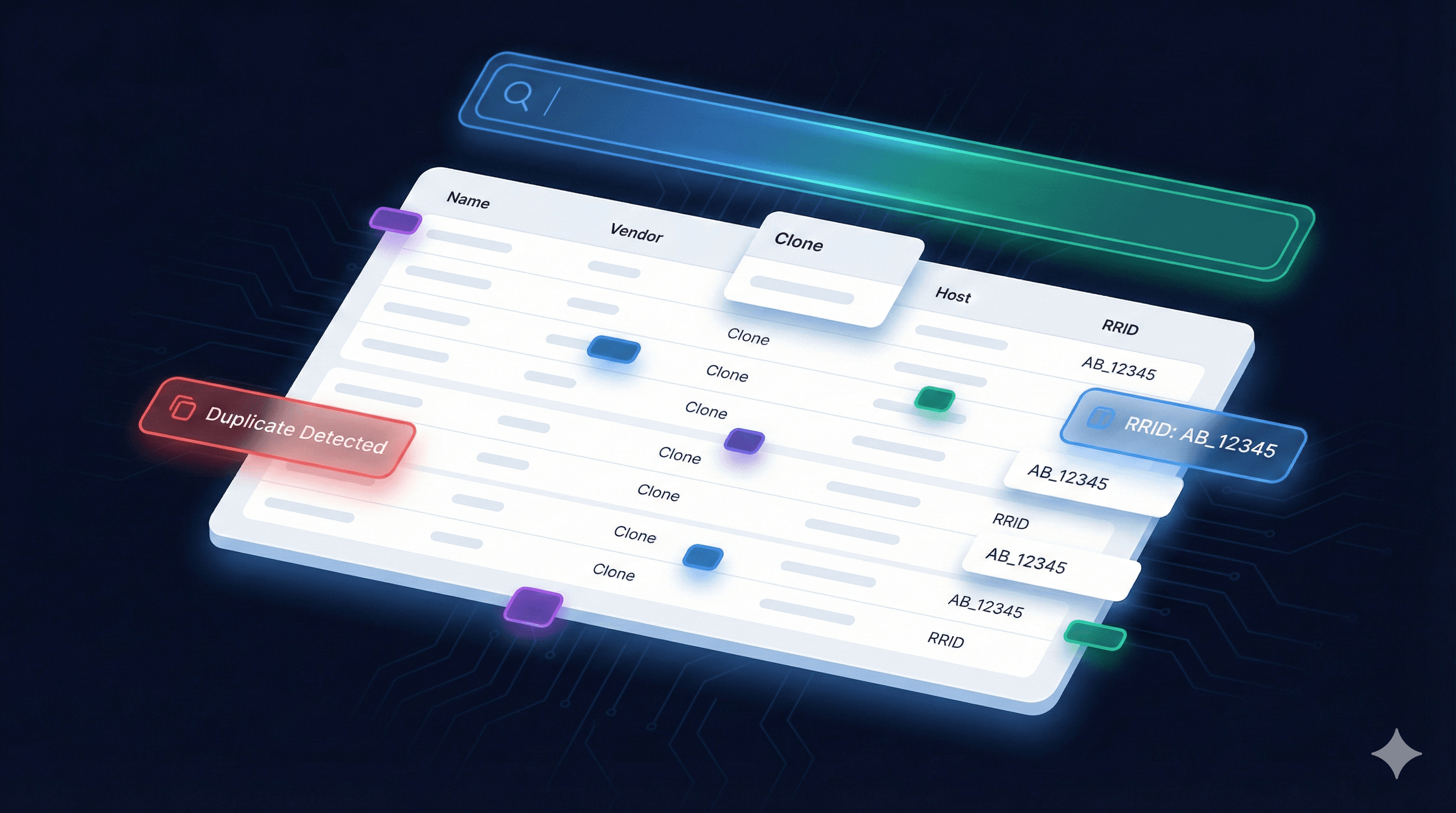
Here is a quick roundup of what we have shipped recently and the thinking behind each change. The short version: your registry is easier to slice, your orders are easier to read, and the whole app is calmer to look at.
We build AbTrove alongside working labs, so most of what follows came straight from things people told us were slowing them down. Here is what is new.
Filter your registry by the fields that matter
Search has always been good at one job. You know roughly what you are looking for, you type it, you find it. But once a lab registry grows past a few hundred entries, a different question shows up. Not "where is this one antibody" but "show me everything that fits this description."
That is what the new Filter button does. Open it from the registry toolbar and you can narrow the table by:
- Vendor
- Conjugate
- Clonality
- Isotype
- Host species
- Target species
- Tags
Each field shows the values that actually exist in your data, listed as checkboxes, so you are never guessing at what to type. Tick a few and the table updates straight away. Every active filter appears as a small removable chip under the toolbar, so you can always see exactly how the list is narrowed and clear any of it in one click.
A few details worth knowing:
- Picking more than one value inside a single field widens the result. For example, Abcam or Cell Signaling.
- Filtering across different fields narrows it. For example, rabbit host and monoclonal clonality and Abcam vendor, all at once.
- Filters stack on top of search, so you can type a target and filter by host species at the same time.
Why this matters: planning a panel usually starts with constraints, not names. "I need an unconjugated rabbit monoclonal that we already own" is now a couple of clicks instead of a long scroll.
You can read more on the registry feature page.
See the full story behind an order in one click
On the order tracking board, each requested antibody now has a Details button. Click it and a panel opens with everything tied to that request in one place. Status, who asked for it, the quantity and the date, plus the antibody's own record from your registry: catalog number, host, target, clonality, clone, isotype, conjugate, concentration, and where it lives in the freezer. If a product page link is on file, it is right there too.
Why this matters: approving or chasing an order used to mean bouncing between the order list and the registry to remember what the thing actually was. Now you get the context without leaving the page. The view is read-only, so nobody changes a record by accident while they are just checking.
More on this is over on the order tracking feature page.
A calmer, faster interface
We also spent time taking visual noise out of the app. Gradients, competing colors, and decorative flourishes are gone, in favor of a single accent color, clean hairline borders, and more breathing room. Nothing moved, it just reads more quietly.
Why this matters: you are here to find an antibody, not to admire the software. A calmer screen is a faster screen to scan, and it keeps the focus on your data.
Why we ship this way
None of these are huge headline features, and that is the point. Good lab software is mostly the small frictions removed, one after another, until the tool gets out of your way. We would rather ship a steady stream of changes that each save you thirty seconds than sit on a single big release for a year.
If something in your daily workflow still feels clunky, tell us. A lot of what shipped above started as one message from a lab.
Try the new filters on your own registry
Free for every lab. No credit card, set up in minutes.
Start free →